A new Value Chart for pricing, booster draft events, tournaments that run with AI players, and a monthly developer email lead this week's Engine updates.
This week's devlog is a big one for both sides of Engine Guild. Developers get a new way to price their games, a monthly email and more control over how their pages look. Players get new events to play and a few small comforts while watching replays. Here is what each change means and how to use it.
A Value Chart for your game economy
Under Player Economy there is now a Value Chart. It works out what your game currency is worth in real money, either from your own prices or from a rate you set. It then shows what every pack, item and bundle is worth, how much players save on each bundle, and what you keep from each sale after payment fees and VAT. It also gives a recommended retail price on a normal price point. A chart sets each bundle's price against what is inside it, so you can see at a glance whether a bundle is generous or thin.
If you have real-money payments turned on, building a bundle in the Store now fills in its recommended price as you add contents. The Store's items are also grouped into folding sections, like the player store, which makes a long list easier to work through.
Booster drafts that run with any number of players
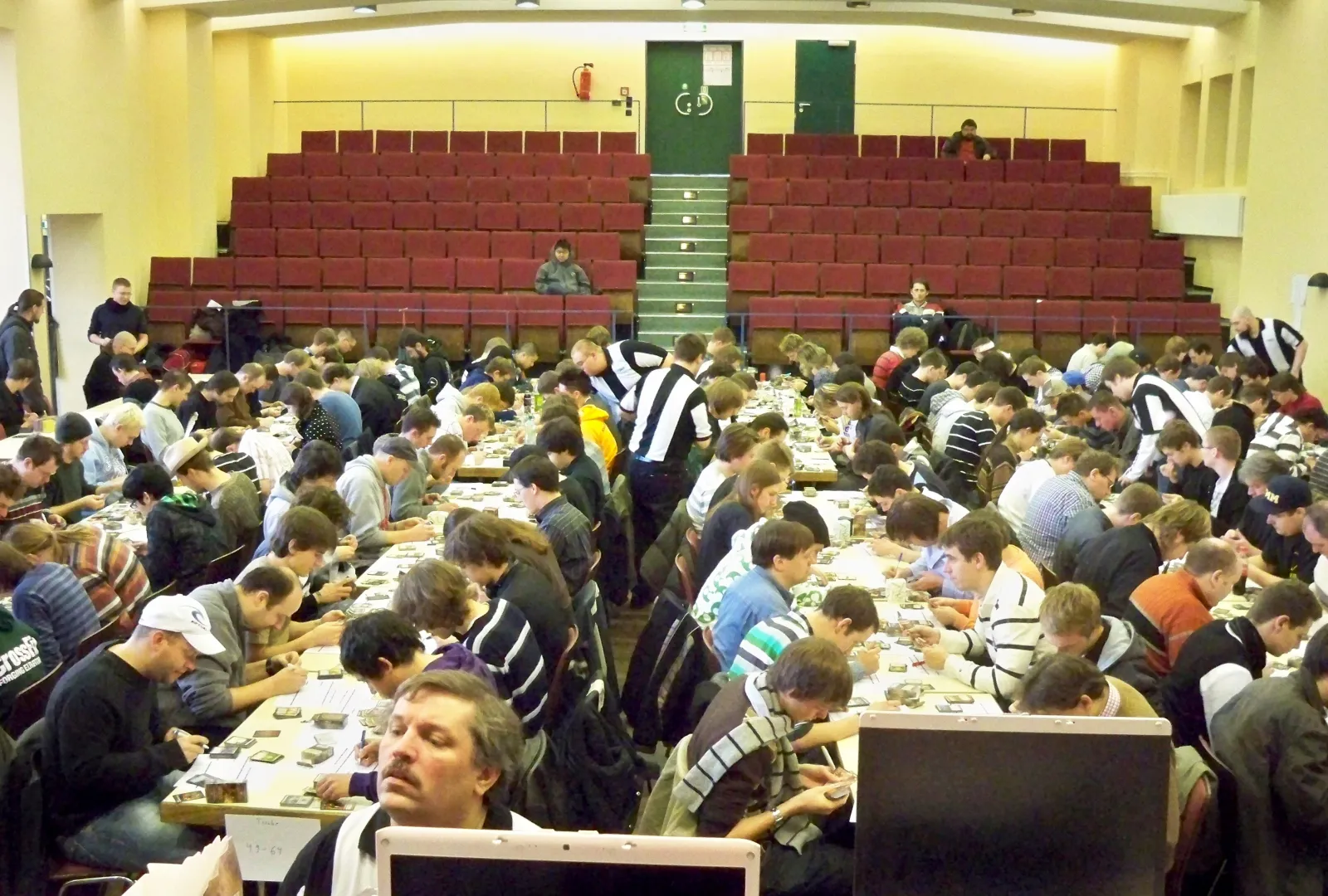
Booster draft events can now run no matter how many people sign up. AI drafters fill the other seats at a table of 8. Everyone opens 3 packs, takes a card and passes the rest, with the direction reversed in round 2. Then you build a deck from your picks and play 3 matches against drafters from your table, who play the decks they drafted. Prizes go by wins, and players keep every card they draft.
Every deck gets free basic Resources, split by what its cards cost, and a drafter who pulls no Leader is led by the game's generic Leader. Developers set the packs, entry fee or ticket, Resources, Leaders and prizes in Progression > Draft Events.
Weekly draft events
The draft can also become a new event every Monday, built from your newest card set. When you release a new set it takes over the draft by itself, with its own draft-only booster made from the set's pack art. The first week of each month is a Legacy draft on an older set, with each older set taking its turn. Promo and token sets are never used. The weekly game routine gives each event its name and story.
Tournaments with AI players
A tournament can now fill its empty seats with AI players, so it can run with just one real player. It starts by itself at its start time. AI players get random names, play styles and the game's starter decks. Matches between AI players are decided at once, while real players play theirs against the AI like any other match, and a round timer keeps things moving.
Prizes go by finishing place, and a place taken by an AI player is not paid out. If you did not play a single match, you get your entry back instead, whether that was a ticket or the fee. Tournaments can also repeat on the first weekday of each month, such as the first Saturday. Each finished tournament can post its results, with the top 3, the best players and the next event, to the game's own Updates. AI drafters now have random names too.
A monthly email for developers
On the first Saturday of each month, developers get an email rounding up what is new for them on Engine. It covers the features from this devlog that change what you can build, and where to find them. Every email has its own unsubscribe link for developer news, separate from tournament emails, so you can keep one and drop the other.
Appearance and profile polish
The Tournaments page now uses your game's page theme like the rest of the player pages. It has its own entry in UI Customization > Appearance, where you can set its title, colours and background. The store's welcome offer now sits on a solid panel, so it stays readable over any background.
The player profile's panels now use the panel background and border colours set in the same Appearance settings. Before, only its tab bar and section headings did. Its Inventory cards now look like the store's, with avatars shown as the same round bordered portrait.
Replay controls you can move
When you watch a match replay, the playback bar can now be hidden down to a small tab with its minus button, or dragged by its grip off whatever you are trying to see. It never leaves the screen, and every replay opens with the bar back at the top.
Most of these changes are on the developer side, so open your game's settings and look under Player Economy, Progression and UI Customization to try them. Players do not need to do anything: draft events and AI-filled tournaments will simply appear in the games that turn them on.