Tournaments can now split into pods, drafts can be played at shared tables, and creators get reminder emails, a weekly events email, tournament replays and a profit report.
Engine Guild has shipped a batch of changes aimed at one thing: giving players more reasons to turn up for events, and giving creators more control over how those events run. Most of it centres on tournaments and drafts, with a few smaller improvements around the edges.
Public decks show every card
A deck shared on a player's profile now opens straight to its cards. Each card shows its name, how many copies are in the deck, its cost, stats and rarity, its set code, and the name and text of each of its abilities underneath. The plain text list is gone, so anyone browsing a profile can see exactly what a deck does without leaving the page.
Tournament pods
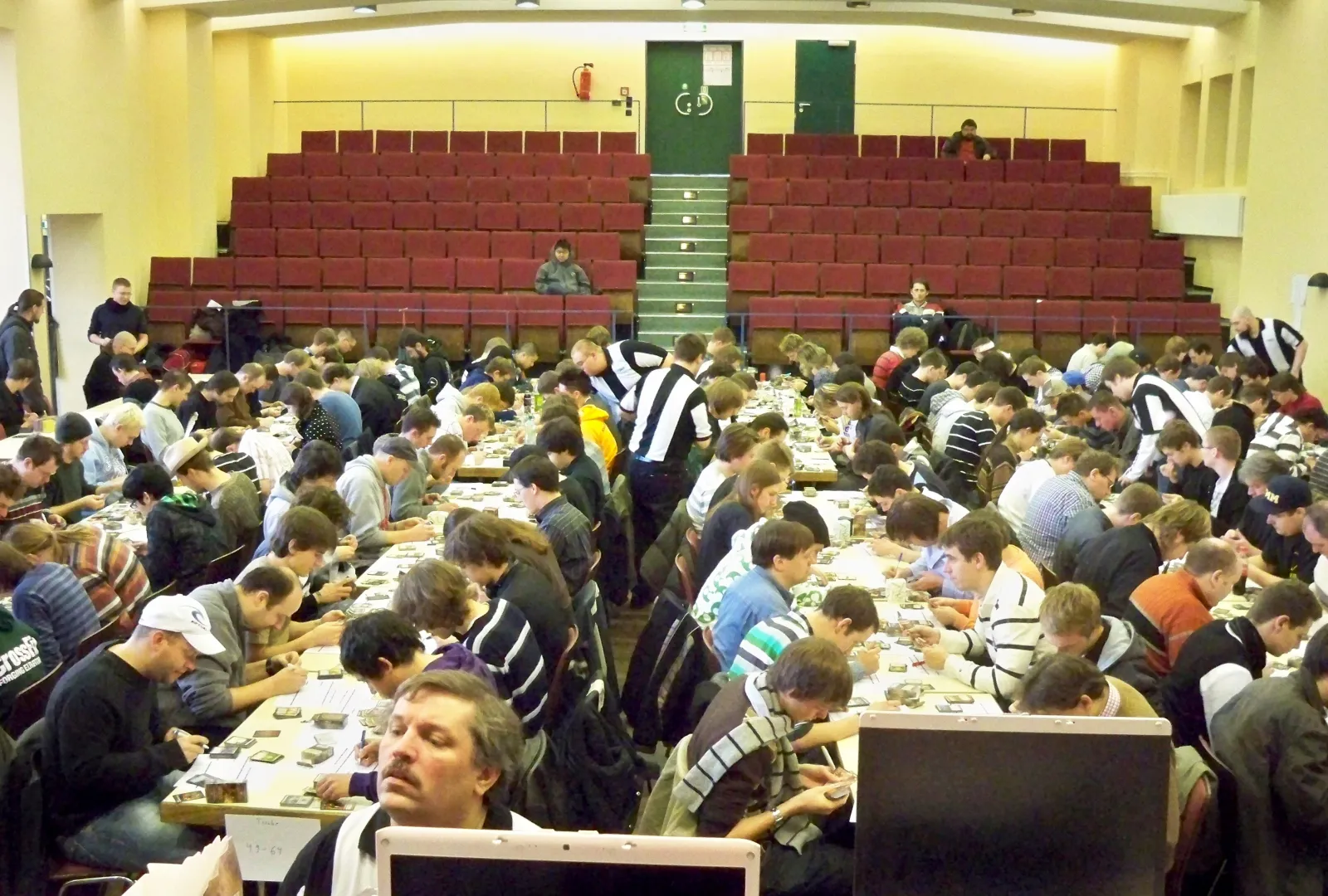
Creators who run tournaments with AI players can switch on Tournament pods in Features. With it on, a tournament no longer fills up. When more players sign up than there are seats, the tournament splits them evenly into pods at the start time, called Pod 1, Pod 2 and so on. The pods play at the same time, and each one has the full prizes, entry and round timer. A small pod is still topped up with AI players. The setting is off by default, so nothing changes until you choose it.
Players are kept in the loop too. When a tournament splits into pods, every player gets an email saying which pod they are in, with a link straight to it. And whenever a tournament match is waiting for a player, the bell says so and names the tournament or pod.
Draft tables with real players
Drafts can now be shared. In Progression > Draft Events, creators set table times, and players sign up for a table. At the start time, up to 8 of them sit down together. AI drafters fill any empty seats, and packs pass between the players with a timer on each pick. After building their decks, players play 3 rounds against each other, with AI drafters stepping in when there is nobody new to play, and they get the draft prize for their wins. Everyone keeps every card they drafted. This is off by default, and the solo draft against AI stays exactly as it is.
Reminders and a weekly events email
Two new switches in Features help players remember what is on. Start-time reminders sends an email about 30 minutes before a tournament or draft table starts to everyone signed up. It includes the round or pick timer, so nobody loses a match or a pick by turning up late, and the bell shows what a player is signed up for that starts within the hour. Players who unsubscribed from event emails do not get the email.
Weekly events email sends every Saturday from 01:30 UK time. Your players get a summary of what is on in the next 7 days: tournaments with their entry and top prize, draft tables and the week's draft, each with a link to sign up. It sends itself, so there is nothing to schedule. Players who unsubscribed from event emails do not get it, and a week with nothing on sends nothing.
Replays from tournament results
A tournament's page now has Results & replays. It lists every round's matches with a Watch button for each player's replay, and the final is marked. The results post in your Updates links straight to it. Replays of tournament matches are also kept for good, instead of being cleared out with a player's old replays, so a great final stays watchable.
A profit report for tournaments
For creators who want to know whether their events pay off, Tournaments now has a Profit report. For each finished tournament it shows what it took in, meaning entry fees kept and tickets at the price of the store item that sells them, against what it gave out in prizes, valued with the Value Chart. Figures appear in your currency and in pounds. Pods are added together, and repeating tournaments get a total. For upcoming tournaments, the report shows whether the entry covers the average prize per player, which is a handy check before you set a prize pool.
What to do next
If you create a game, open Features and decide which of the new options suit your community: Tournament pods, Start-time reminders and the Weekly events email are all there to switch on. If you want shared drafts, head to Progression > Draft Events and set your first table times. If you play, keep an eye on the bell and your inbox, and check a tournament's page after it finishes to watch the replays.